Website Chat System for Investigators
Talk and Close Leads Directly on Your Website With LiveChat

[sexy_author_bio]
We have talked about LiveChat multiple times in the past and referrer many clients to use their system. We use the system in our website (you can see it at the bottom right). Earlier in the year, we partnered with them to offer LiveChat as one of our services. However, if you want to use it yourself, you can get the platform without hiring us. On this article, we added several links to LiveChat. If you do sign up, we get commission from their affiliate program. It’s not going to cost you anything. You don’t have to sign up using our tool. I just want to be 100% transparent. That fact, however, does NOT change our opinion about LiveChat – it’s one of the best platforms out there. If you give us a call, we can set you up with an account and get you a 60 days trial instead of the 30 that you get through their platform.
If you haven’t heard of LiveChat, or don’t know how it works, here is a short summary:
LiveChat is an online chat solution that helps you connect with your website visitors. When using LiveChat, you can see in real time the way visitors navigate your website, then approach them on each step of the buying process. So rather than having a visitor come to your website looking for investigation services and leaving because they can’t figure out what they need, you can give them the opportunity to chat with you directly – or you can engage them directly and see if they need any help.
LiveChat comes with a ticketing system built into the application. The ticketing system allows you to receive customer questions when you are sleeping or unavailable. By creating tickets from your chats, you can stay in touch with customers when you need some time to deal with their cases. You can also receive your support emails as tickets and handle them in one place.
The difference between LiveChat and other similar systems, is the fact that you get the notification on your phone immediately as they come in. This means that you don’t have to be on your website to chat with them directly. We have clients that use LiveChat and have closed leads while they’re out on surveillance, running background checks, etc.
So, does it work? If you’re getting the traffic to your website, this system works. We have a client chatting to 10 people per day, I can’t tell you how many of those he is able to turn into clients, but he’s loving the app so I’m going to say a fair amount of them are turning into clients. Learn more by visiting their customer service page here.
The app works, we are putting our name behind it. With that being said, you need to have some sort of traffic going to your website. If you have a website with little to no traffic, the issue is not with the app, the issue is with the lack of visitors to chat with.
The clients that have had the best results using the app are the ones who have some sort of marketing campaign up and running to attract visitors to their website. This is either done through Google AdWords, or through some other type of marketing practice. The 30 day trial is awesome because you’re able to test it out long enough to see if’s the right fit for you, but I would do a traffic analysis on your site to see if you have the traffic you need to use it. We’d be more than glad to look at your stats, or implement our Traffic Dashboards to see what kind of traffic you’re pulling in. Give us a call for that at 214-997-4680 and we’ll set you up.
If you want to give them a try and see how it works, click on the banner in the section below, or sign up here. If you have any questions about how it works, give us a call and we’ll try to answer any questions that you may have. I’ve added a few samples of the back end of the system so you can see how the system looks before you sign up for their trial.

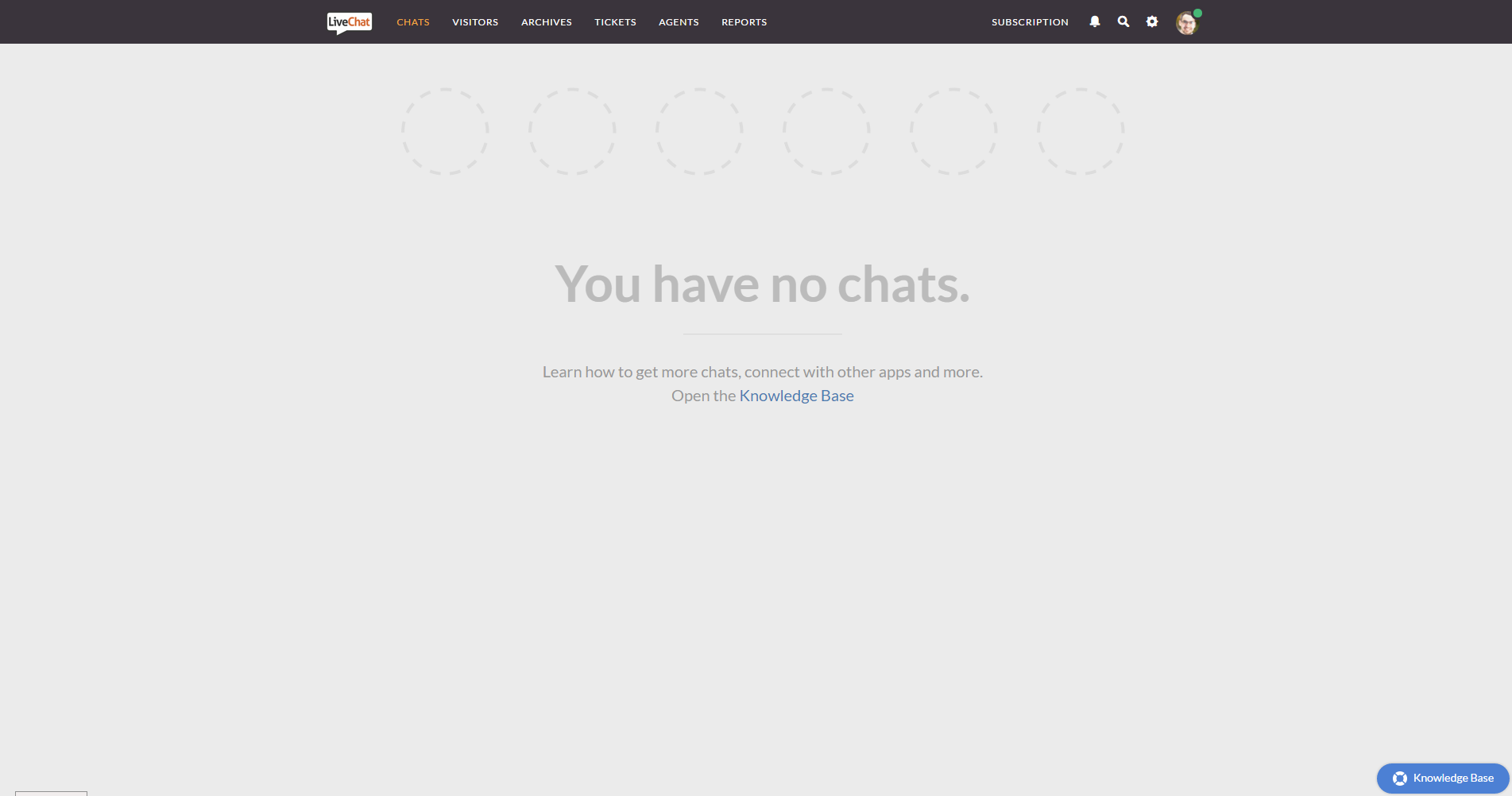
The first section that you see when you log into the system, is the dashboard. This dashboard allows you to see how many chats you have active on the site. When I was writing this article, no one was chatting with us. In the next section, I’ll show you the chat system when a client requested additional information about our services.
Once you start a chat, you actually have the ability to approach a visitor. If you approach them, you won’t be able to get their name unless you actually request them for their name, if they contact you, however, they have to type in their name and e-mail to get the conversation started. It’s a lot harder to get their name if you approach them, so get creative.

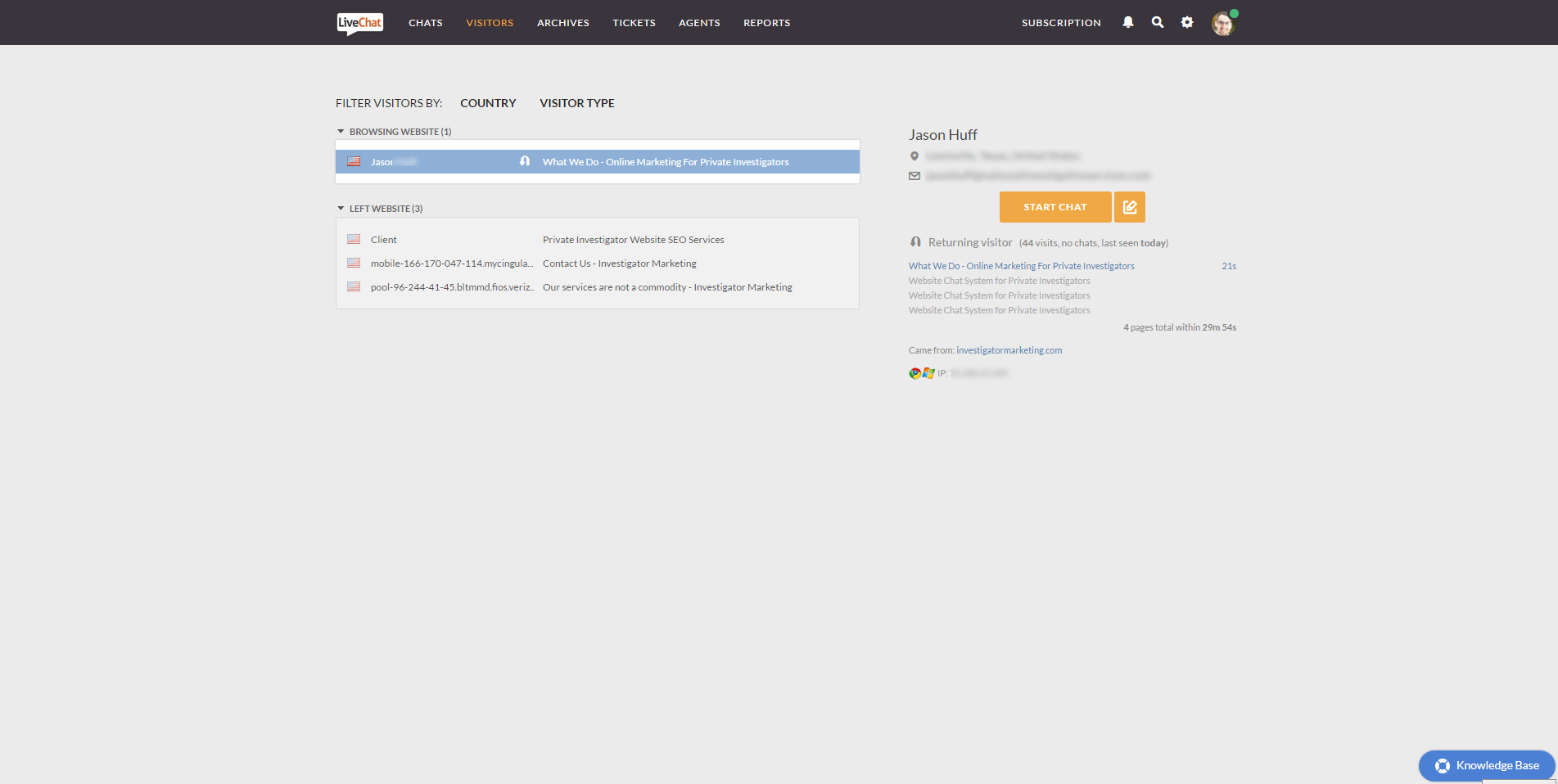
Under the visitor’s tab, you’re able to see how many people are browsing your website. At the time, we had one visitor going through the site, you can see the start chat button in yellow to interrupt what he’s doing and get the conversation going.
I’m not going to go over all the different tabs available on the system, but you have the Archives which shows you the chats that you’ve engaged in and the ones that you have missed. You also have the tickets which allows you to see how many people have submitted a message after hours when you’re not available. Then you have the Agents and finally you have the reports. All of these tabs will help you get a clear understanding of your company.
Within the settings panel, you’re able to customize the appearance of the “chat box” and also submit Pre-Queue questions. This means that you can customize the “welcome” message depending on what it is the client is looking for.
As an example, If you see a visitor is searching for domestic investigation services, your introduction message will say something to the effect of “I notice you’re looking for domestic investigation services, do you have any questions that we can help you with?” This gives you better control over your chat system and lets you target the right people with the right sales pitch.
Because we partnered up with LiveChat earlier this year, we receive e-mails and offers that we can pass on to our referrals. If you’re interested in signing up, this is what we have available as an offer from their Partner’s Dashboard. Again, if you have any questions, please don’t hesitate in sending us a message. We’ll do our best to get things figured out for you.
“LiveChat is a powerful customer service tool you can use to chat with people on your website. Get it to turn website visitors into customers and support your existing clients. Use the coupon code keep5 while subscribing and save 5% on your first payment. The offer is valid until 31st March, 2016. Sign up now!“

These are a few of our clients that use LiveChat, this doesn’t include our own success. If you look at the bottom right of your browser window, you’ll see the App Box which lets you communicate with our team.
Ruben, this was exactly what I was talking about. It’s a lot faster than sending contact form e-mails and hoping they reply back to the e-mail.

We closed a lead four days after we installed it. They didn’t know we offered the service she needed, but Alma was able to get the sale and closed on it a few days later.

Are you kidding me? Yes, the app works. It took a couple of weeks, but I just closed a $3,500 case from an attorney.

If you want to sign up, just give them your e-mail here. You don’t need a credit card – I promise you, it’s not a trick.

214.997.4680

 When it comes to Investigation services, small companies crush national age...